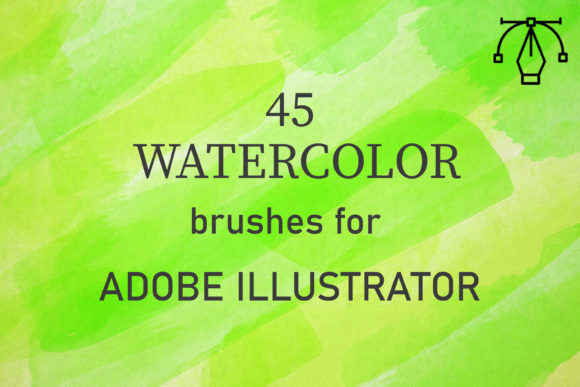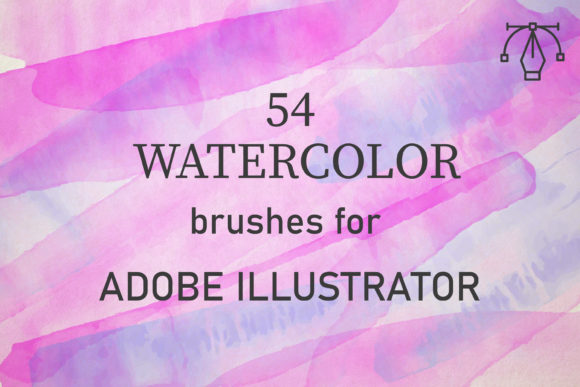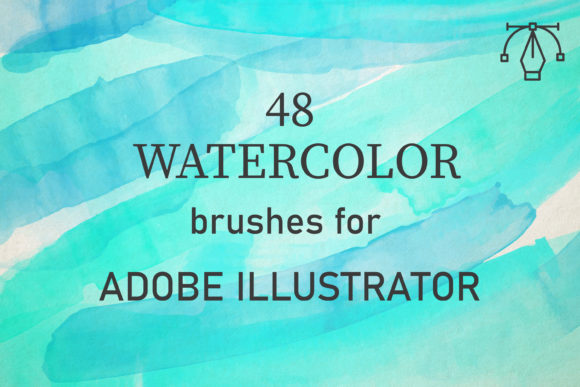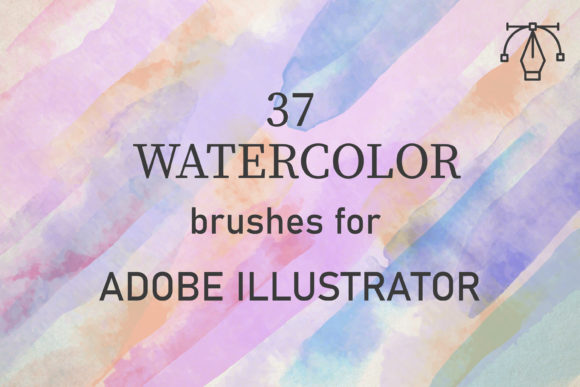
52 Watercolor Brushes for Illustrator
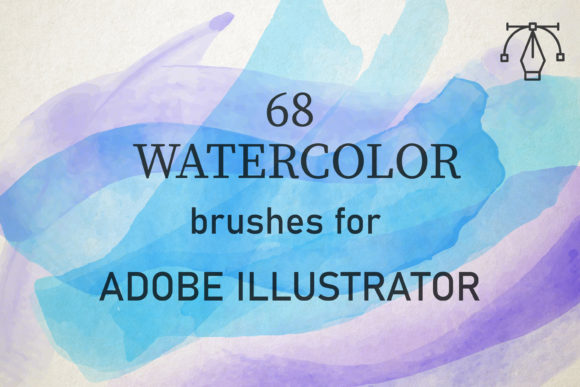
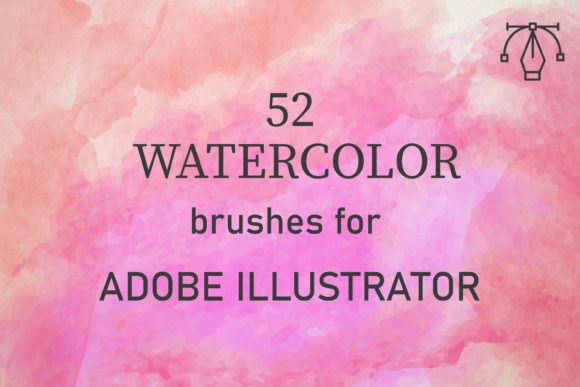
Digital design often struggles to capture the organic, unpredictable beauty of traditional media. For years, vector artists have searched for tools that bridge the gap between clean, scalable lines and the textured, fluid nature of hand-painted art. This is where 52 Watercolor Brushes for Illustrator steps in as a transformative resource. Despite the name suggesting a smaller collection, this pack actually delivers a robust suite of 68 unique vector watercolor brushes, offering designers an expansive toolkit for creating authentic, painterly effects within Adobe Illustrator.
Compatible with Adobe Illustrator CC and above on both PC and Mac, these brushes are engineered to convey the genuine texture of real paints. They are not merely digital imitations; they are built from reality-based watercolor scans, ensuring that every stroke carries the nuance, transparency, and granulation found in physical artwork. For entrepreneurs, freelancers, and creative professionals, this means access to high-quality aesthetic assets without the mess, drying time, or cost of physical supplies.
The Power of Authentic Texture in Vector Design
One of the primary challenges in vector illustration is avoiding the "sterile" look that often plagues digital work. Standard vector shapes are crisp and uniform, which is excellent for logos but can feel cold for editorial illustrations, backgrounds, or branding materials that require warmth. The 52 Watercolor Brushes for Illustrator solve this by introducing controlled chaos. Because they are created from real watercolor applications, they perfectly convey the texture of paints, including the subtle variations in pigment density and edge softness.
Real watercolors are applied by building up layers of washes to create tone and depth. These digital brushes replicate that process seamlessly. By allowing users to overlap strokes, adjust opacity, and manipulate color, the pack enables the creation of complex, multi-layered compositions. This capability is crucial for designers who need to produce work that feels handcrafted and personal, yet retains the scalability and editability of vector graphics.
Streamlined Workflow for Creative Efficiency
Time is a critical resource for any professional, whether you are a marketer rushing to meet a campaign deadline or a blogger designing custom headers. The usability of this brush set is designed with efficiency in mind. You do not need advanced painting skills to achieve professional results. The workflow is intuitive: select a brush, apply it to your path, and adjust the settings to suit your vision.
To maximize the potential of these tools, simply set the blend mode to Multiply or Darken. This technique allows colors to interact naturally, mimicking how wet paint mixes on paper. Changing the opacity and overlapping strokes helps build up texture and tone, giving your designs depth and dimension. This ease of use lowers the barrier to entry for hobbyists while providing seasoned illustrators with a fast way to prototype ideas or add finishing touches to client projects.
Versatile Applications Across Industries
The versatility of 52 Watercolor Brushes for Illustrator makes them suitable for a wide range of design projects. Here are several practical ways professionals and creators can leverage this pack:
- Branding and Identity: Small businesses and artisans often seek a handmade, approachable aesthetic for their logos and packaging. These brushes allow for the creation of unique brand marks that stand out against the rigid geometry of corporate design.
- Editorial and Publishing: Bloggers, publishers, and magazine editors can use these brushes to create engaging headers, dividers, and background elements that add visual interest to articles without distracting from the text.
- Wedding and Event Stationery: The soft, romantic quality of watercolor is a staple in invitation design. With 68 unique brushes, designers can create custom floral arrangements, borders, and monograms that feel bespoke and elegant.
- Educational Materials: Educators and textbook publishers can use these textures to create friendly, approachable diagrams and illustrations that make complex information more digestible for students.
- Social Media Content: Marketers can enhance their visual storytelling by adding watercolor accents to quotes, product showcases, and promotional graphics, increasing engagement through visually appealing content.
Technical Specifications and File Management
Understanding what you receive is vital for integrating new tools into your workflow. The 52 Watercolor Brushes for Illustrator pack comes as a single zipped file containing an AI set. Inside, you will find AI files that include one comprehensive set of 68 brushes. This straightforward delivery ensures that installation is quick and hassle-free. Once loaded into Adobe Illustrator, the brushes are ready to use immediately, requiring no additional plugins or software.
Because these are vector-based, they offer infinite scalability. You can stretch a brush stroke across a billboard or shrink it down for a business card without losing resolution or clarity. This flexibility is a significant advantage over raster-based watercolor images, which can become pixelated when resized. For entrepreneurs looking to make high-quality artwork available at a reasonable price, this scalability ensures that one asset can serve multiple purposes across various media formats.
Maximizing Creative Potential
To get the most out of this pack, experimentation is key. While the brushes are designed to be easy to use, their true power lies in combination. Try layering different brush types to create complex textures. Use lighter opacity settings for subtle background washes and higher opacity for bold, foreground elements. Play with color palettes that mimic natural pigments, such as earthy ochres, deep indigos, and soft rose madders, to enhance the realistic feel of your work.
Additionally, consider the context of your design. Watercolor textures work best when they have space to breathe. Avoid overcrowding your composition with too many heavy strokes. Instead, use the brushes to guide the viewer’s eye or to soften the transition between different design elements. This thoughtful application ensures that the watercolor effect enhances rather than overwhelms your message.
Support and Value for Creators
The creator behind 52 Watercolor Brushes for Illustrator emphasizes a commitment to quality and customer satisfaction. The goal is to make high-quality artwork accessible to entrepreneurs and creators at a reasonable price. If you encounter any problems or have concerns about the product, support is readily available. This level of service provides peace of mind, knowing that help is just a message away if technical issues arise.
In a market saturated with generic digital assets, this pack stands out for its authenticity and utility. It offers a practical solution for anyone looking to infuse their digital work with the warmth and character of traditional watercolor. Whether you are a seasoned illustrator looking to expand your toolkit or a beginner eager to explore new styles, these 68 unique brushes provide the creative potential needed to elevate your designs. By combining ease of use with professional-grade results, 52 Watercolor Brushes for Illustrator remains a valuable investment for any serious designer.