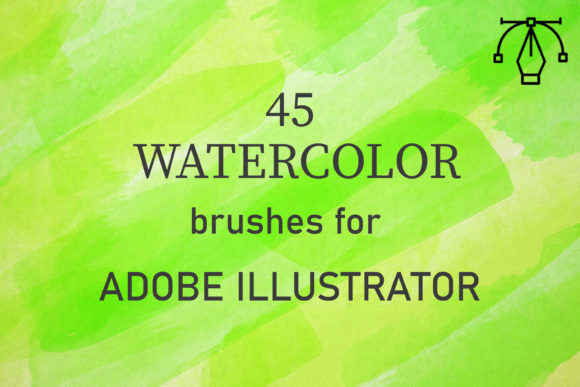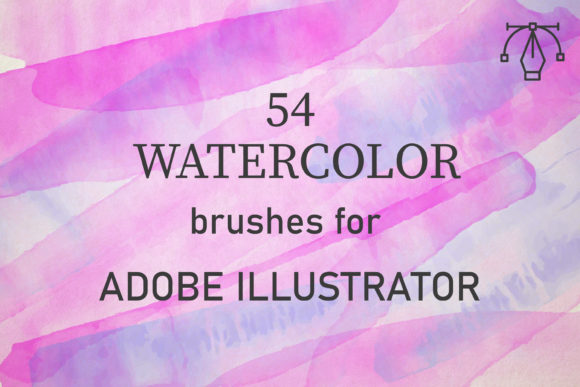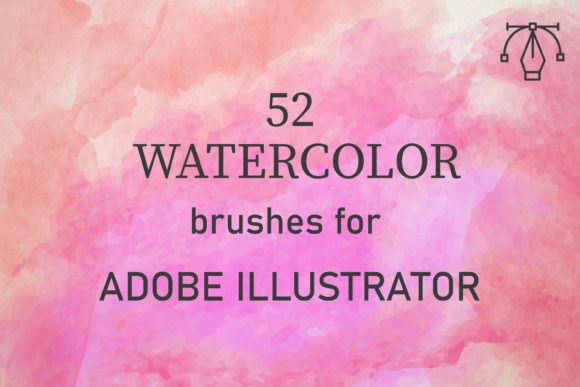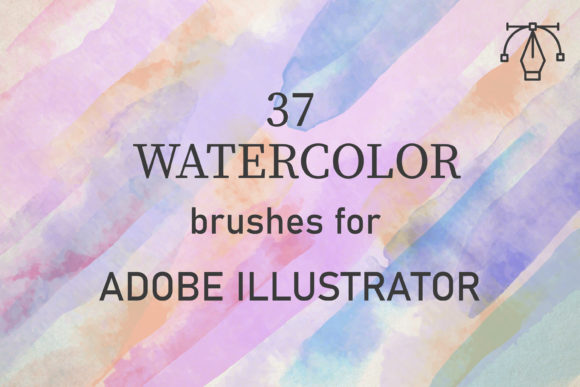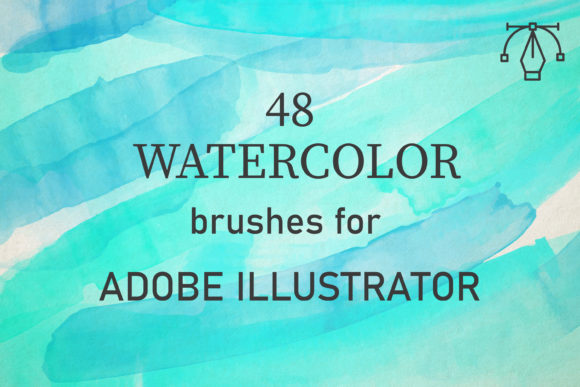
48 Watercolor Brushes for Illustrator
Digital design often struggles to capture the organic imperfection of traditional media. We spend hours trying to mimic the bleed of pigment on cold-press paper or the subtle granulation of dried paint. This is where 48 Watercolor Brushes for Illustrator changes the workflow. These are not just standard vector strokes; they are meticulously crafted tools designed to bridge the gap between the tactile beauty of real watercolors and the precision of Adobe Illustrator.
For designers, illustrators, and creative entrepreneurs, this pack offers a shortcut to authenticity. Instead of starting from scratch or relying on static raster images that lose quality when scaled, you get 48 unique vector brushes that retain crisp edges while conveying the soft, fluid texture of hand-painted art. Compatible with Adobe Illustrator CC and above on both PC and Mac, these brushes integrate seamlessly into your existing toolkit, allowing you to elevate client projects, personal portfolios, and marketing materials with minimal effort.
The Power of Vector Watercolor
One of the most significant advantages of using this specific brush set is the underlying technology. Traditional digital painting often relies on raster pixels, which can become blurry or pixelated when resized. In contrast, these vector watercolor brushes are built on mathematical paths. This means you can scale your artwork from a business card to a billboard without losing a single detail of the texture.
The creators of this pack started with reality. By scanning and analyzing actual watercolor applications, they captured the nuanced behavior of paint interacting with water and paper. The result is a collection that perfectly conveys the texture of paints, including the uneven edges, transparent washes, and natural pooling effects. When you apply these brushes, you are not just drawing a line; you are simulating a physical process.
This realism is crucial for modern branding. Consumers are increasingly drawn to designs that feel human and handcrafted. Whether you are designing packaging for an artisanal coffee brand or creating social media graphics for a wellness coach, the organic feel of watercolor adds warmth and approachability that sterile geometric shapes often lack.
Mastering the Technique: Layers and Blend Modes
While the brushes are ready to use out of the box, understanding how to manipulate them unlocks their full creative potential. Real watercolors are applied by building up layers of washes to create tone and depth. You can replicate this exact process in Illustrator with a few simple adjustments.
To achieve authentic results, follow these practical steps:
- Set the Blend Mode: Change the blend mode of your brush strokes to Multiply or Darken. This allows colors to interact naturally, just as pigments do when they overlap on wet paper. Darker areas will form where strokes cross, creating realistic depth.
- Adjust Opacity: Lower the opacity of individual strokes to simulate thin washes. Start with a light touch and gradually build intensity. This prevents the design from looking flat or overly saturated.
- Vary Color and Overlap: Don’t stick to a single hex code. Use slight variations in hue and saturation to mimic the natural inconsistencies of mixed paint. Overlap your strokes intentionally to create complex textures and visual interest.
- Experiment with Pressure: If you are using a graphics tablet, vary your pressure to control the width and density of the brush stroke. This adds a dynamic, hand-drawn quality to your vectors.
These techniques transform simple lines into rich, textured compositions. The key is patience and layering. Just like traditional painting, rushing the process can lead to muddy results. Take your time to build up the tones, allowing each layer to contribute to the overall mood of the piece.
Creative Applications Across Industries
The versatility of the 48 Watercolor Brushes for Illustrator makes them suitable for a wide range of projects. Here is how different professionals can adapt these tools for their specific needs:
Branding and Identity Design
For small business owners and freelancers, creating a memorable logo or brand identity is essential. Watercolor elements can soften a corporate image, making it feel more accessible. Use these brushes to create custom monograms, background textures for business cards, or accent elements for letterheads. The ability to edit vectors ensures that your logo remains sharp across all print and digital mediums.
Digital Illustration and Storytelling
Illustrators and publishers can use these brushes to create whimsical characters, dreamy landscapes, or editorial illustrations. The 48 unique styles offer variety, from broad, sweeping washes to fine, detailed splatters. This diversity allows artists to maintain consistency within a project while avoiding repetition. For children’s book authors, the gentle aesthetic of watercolor is perfect for engaging young readers without overwhelming them.
Marketing and Social Media Content
Marketers and bloggers need fresh, eye-catching visuals daily. These brushes enable the rapid creation of unique backgrounds for Instagram posts, Pinterest pins, and blog headers. Instead of relying on stock photos that everyone else uses, you can generate custom assets that align perfectly with your brand colors. The ease of use means you can produce high-quality content quickly, keeping your audience engaged without spending hours on complex design tasks.
Educational Materials and Printables
Educators and creators of digital products can enhance worksheets, planners, and journals with watercolor accents. The organic shapes help break up text-heavy pages, making information more digestible and visually appealing. Since the files are vector-based, they print beautifully on home printers and professional press runs alike, ensuring your physical products look polished and professional.
Getting Started: What Is Included
When you download this pack, you receive a single zipped file containing an AI set. Inside, you will find one comprehensive file with all 48 brushes pre-loaded and ready for use. This streamlined delivery ensures that you can start creating immediately without navigating complex folder structures or installation hurdles.
The brushes are organized for easy access within the Illustrator Brush panel. Each brush has been tested for performance and compatibility, ensuring smooth operation on both Windows and macOS systems. Whether you are a seasoned designer or a hobbyist exploring digital art for the first time, the setup process is straightforward and intuitive.
Tips for Maintaining Consistency and Originality
While these brushes provide a strong foundation, your unique voice comes from how you use them. To keep your work original and effective:
- Limit Your Palette: Choose two or three core colors and stick to them throughout a project. This creates cohesion and prevents the design from looking chaotic.
- Combine with Other Elements: Pair watercolor textures with clean typography or geometric shapes. The contrast between the organic and the structured creates visual tension and balance.
- Save Your Styles: Once you achieve a look you love, save the appearance attributes as a graphic style. This allows you to apply the same effect to other objects instantly, maintaining consistency across large projects.
- Study Real Watercolors: Observe how light interacts with wet paint. Notice where the pigment pools and where it fades. Applying these observations to your digital work will make it feel more authentic.
In conclusion, 48 Watercolor Brushes for Illustrator is more than just a design asset; it is a tool for creative liberation. It removes the technical barriers to achieving a hand-painted look, allowing you to focus on composition, color, and storytelling. By mastering the blend modes and layering techniques, you can create stunning, scalable artworks that resonate with audiences across various platforms. Embrace the texture, experiment with the layers, and enjoy the process of bringing your digital designs to life with the warmth of watercolor.