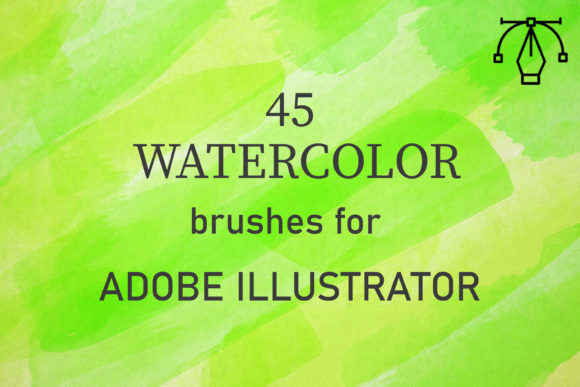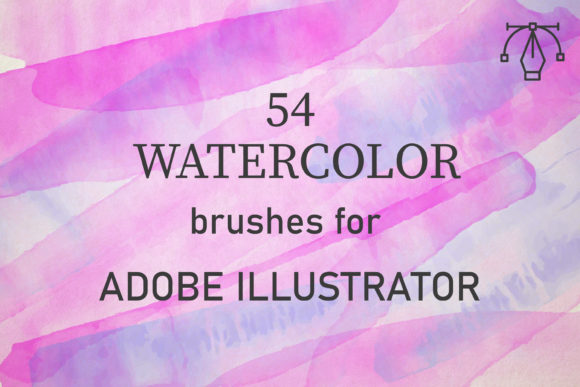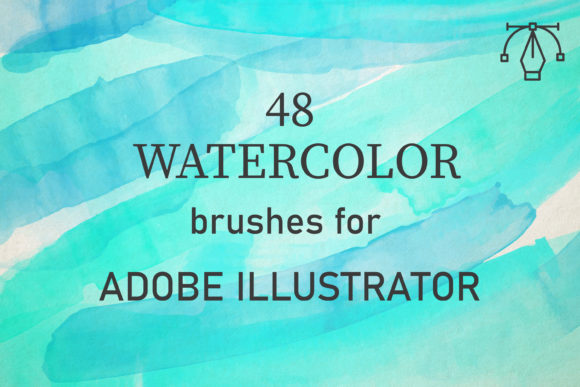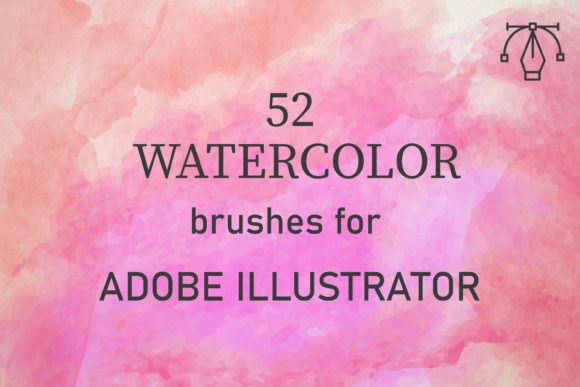
46 Watercolor Brushes for Illustrator
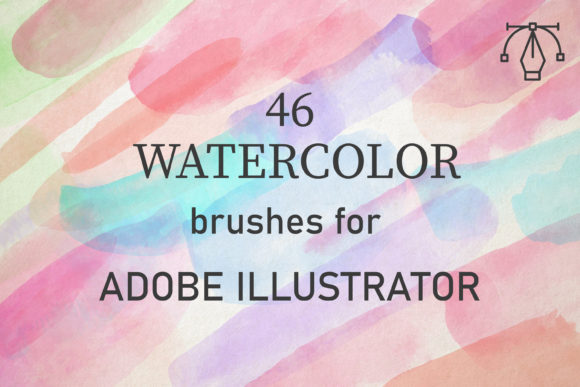
Digital design often struggles to capture the organic unpredictability of traditional media. While vector graphics offer precision and scalability, they can sometimes feel sterile or overly rigid. This is where 46 Watercolor Brushes for Illustrator bridge the gap between technical accuracy and artistic expression. For designers, illustrators, and creative entrepreneurs, integrating authentic texture into vector workflows is no longer a complex workaround but a streamlined process. These tools allow you to infuse your projects with the soft, fluid characteristics of hand-painted art without sacrificing the editability that makes Adobe Illustrator indispensable.
Bridging the Gap Between Vector and Traditional Art
The primary challenge in digital watercolor simulation is maintaining the illusion of depth and transparency. Real watercolors are applied by building up layers of washes to create tone, a technique that relies on the interaction between pigment, water, and paper texture. The 46 Watercolor Brushes for Illustrator are created from reality watercolor scans, meaning they perfectly convey the texture of paints rather than relying on synthetic patterns. This authenticity is crucial for professionals who need their work to resonate with audiences accustomed to high-quality, hand-crafted aesthetics.
Because these brushes are vector-based, they remain crisp at any size. Whether you are designing a large-format banner or a small social media icon, the edges remain clean while the internal texture retains its organic feel. This dual benefit solves a common problem for marketers and publishers who need versatile assets that look good across multiple platforms. You are not just getting a static image; you are getting a dynamic toolset that adapts to your specific layout requirements.
Streamlining the Creative Workflow
One of the most significant advantages of this brush pack is its ease of use. Many designers avoid textured effects because they require time-consuming manual adjustments or complex layering techniques. With these brushes, the learning curve is minimal. To achieve realistic results, you simply set the blend mode to multiply or darken, adjust the opacity, and overlap the strokes. This method mimics the natural behavior of watercolor paint, allowing you to build up texture and tone intuitively.
This efficiency is particularly valuable for freelancers and small business owners who often manage tight deadlines. Instead of spending hours creating custom textures from scratch, you can focus on composition and messaging. The pack includes 46 unique vector watercolor brushes, providing enough variety to prevent repetitive patterns in your designs. From broad washes to fine details, the diversity within the set ensures that you can tackle various design challenges without needing additional plugins or external software.
Versatility Across Design Projects
The utility of 46 Watercolor Brushes for Illustrator extends far beyond simple illustrations. They are compatible with Adobe Illustrator CC and above on both PC and Mac, making them accessible to a wide range of users regardless of their hardware preferences. This cross-platform compatibility ensures that teams can collaborate seamlessly, sharing files without worrying about version conflicts or operating system limitations.
- Branding and Identity: Add a touch of warmth and approachability to logos and brand materials. Watercolor elements can soften corporate identities, making them feel more human and relatable.
- Web and UI Design: Create engaging backgrounds and decorative elements that break the monotony of flat design. Subtle watercolor accents can guide user attention without overwhelming the interface.
- Print Media: Enhance brochures, invitations, and packaging with textured overlays. The high-resolution nature of vector brushes ensures that printed materials retain their quality and detail.
- Social Media Content: Stand out in crowded feeds with unique, eye-catching visuals. Custom watercolor backgrounds can help maintain a consistent aesthetic across posts and stories.
For educators and bloggers, these brushes offer a way to make educational materials more engaging. Visual aids that incorporate soft, artistic textures can reduce cognitive load and make information more digestible. Similarly, publishers can use these tools to create distinctive chapter headers or section dividers that add character to eBooks and digital magazines.
Technical Considerations and Best Practices
While the 46 Watercolor Brushes for Illustrator are designed for ease of use, understanding their technical foundation helps maximize their potential. The package comes as a single zipped file containing an AI set. Once installed, you gain access to one comprehensive set of 46 brushes. It is important to note that these are vector brushes, which means they behave differently than raster-based textures in Photoshop. They do not pixelate when scaled, but they also require a different approach to blending.
To get the most out of these tools, experiment with opacity levels. Lowering the opacity allows underlying colors to show through, creating the translucent effect characteristic of watercolor. Overlapping strokes is key to building depth. Start with light, broad strokes to establish the base tone, then layer darker, more defined strokes to add detail and contrast. This layering technique is essential for avoiding a flat, digital look.
Additionally, consider the context of your project. While watercolor textures add warmth, they may not be suitable for every brand voice. Highly technical or industrial sectors might find the organic nature of these brushes less aligned with their messaging. However, for lifestyle, wellness, creative, and educational brands, these brushes can significantly enhance emotional connection and visual appeal.
Who Benefits Most from This Toolset?
This collection is ideal for a diverse group of creators. Professional graphic designers will appreciate the time saved and the high quality of the output. Hobbyists and beginners will find the intuitive nature of the brushes encouraging, allowing them to produce professional-looking results without years of traditional painting experience. Entrepreneurs and marketers can leverage these assets to create distinctive marketing materials that stand out in a saturated digital landscape.
Moreover, educators and content creators can use these brushes to make their materials more visually appealing and memorable. The ability to quickly generate unique backgrounds and decorative elements supports consistent branding and enhances the overall presentation of information. For anyone looking to add a human touch to their digital work, these brushes provide a practical and effective solution.
Making the Right Choice for Your Creative Needs
When evaluating design tools, it is essential to consider fit and functionality. The 46 Watercolor Brushes for Illustrator are specifically tailored for users who work within the Adobe ecosystem and value vector scalability. If your workflow relies heavily on raster-based editing or if you prefer pixel-perfect control over every dot, you might need to complement these brushes with other tools. However, for those who prioritize flexibility, scalability, and organic texture, this pack offers a compelling advantage.
The inclusion of 46 unique brushes ensures that you have a broad palette of options. This variety prevents your designs from looking repetitive, a common pitfall when using limited brush sets. By rotating through different brushes and adjusting settings like opacity and blend modes, you can create an endless array of unique compositions. This flexibility supports long-term creativity and helps maintain freshness in your portfolio.
In conclusion, integrating 46 Watercolor Brushes for Illustrator into your toolkit can transform how you approach digital design. By combining the precision of vector graphics with the soul of traditional watercolor, these brushes enable you to create work that is both technically sound and emotionally resonant. Whether you are refining a brand identity, designing a website, or creating social media content, these tools provide the creative potential needed to elevate your projects. Embrace the blend of technology and tradition, and discover how easy it is to bring the beauty of watercolor into your digital workflow.