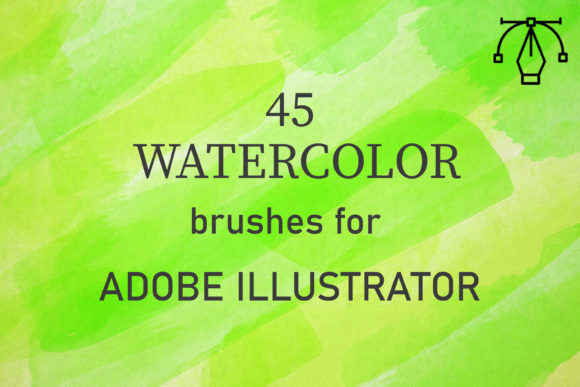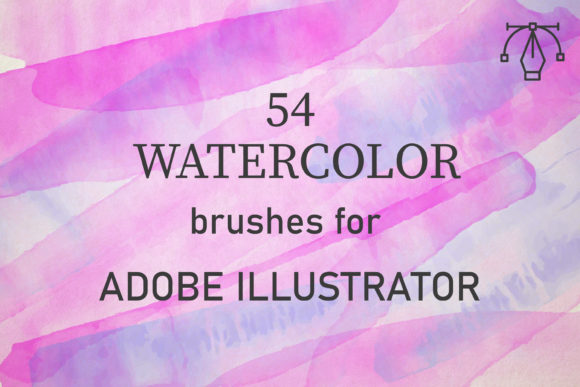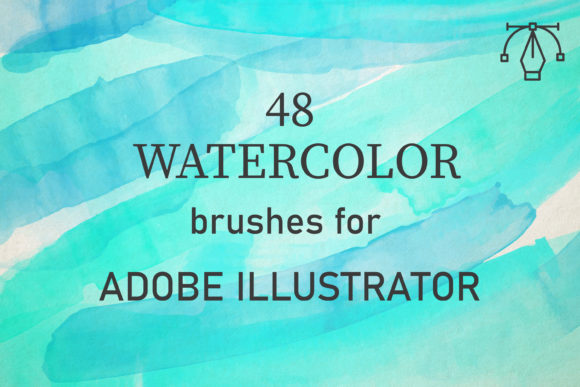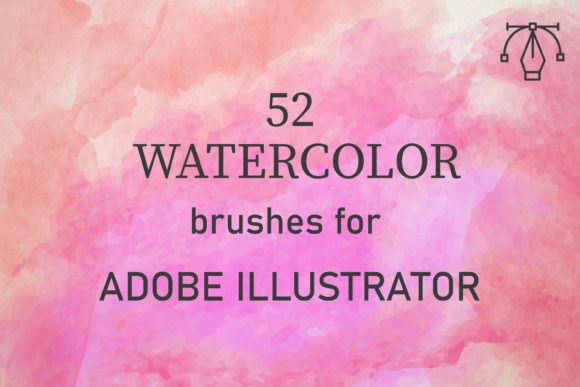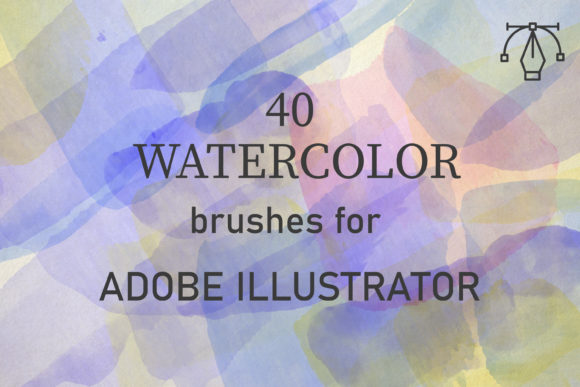
40 Watercolor Brushes for Illustrator
Digital design often struggles to capture the organic unpredictability of traditional media. The sterile precision of vector graphics can sometimes feel cold or overly manufactured, lacking the warmth and human touch that audiences connect with emotionally. This is where 40 Watercolor Brushes for Illustrator becomes an essential tool in your creative arsenal. By bridging the gap between the fluidity of real paint and the scalability of vector art, this collection allows designers to infuse their projects with authentic texture and depth without sacrificing technical flexibility.
These brushes are compatible with Adobe Illustrator CC and above and on both PC and Mac, ensuring that regardless of your hardware setup, you can integrate them seamlessly into your existing workflow. This pack has 40 unique vector watercolor brushes, each meticulously crafted to replicate the nuanced behavior of pigment on paper. Created from reality watercolor, these brushes perfectly convey the texture of paints, offering a level of realism that standard digital tools often miss. With their help, you can easily create any watercolor background and use it on many design projects, ranging from elegant wedding invitations to bold marketing materials.
Authentic Texture Through Vector Precision
The primary challenge in digital watercolor simulation is maintaining the "happy accidents" inherent to the medium while retaining the editability of vector paths. Real watercolors are applied by building up layers of washes to create tone. Digital equivalents often fail because they look too uniform or repetitive. However, this specific set addresses that issue by capturing the irregular edges, granulation, and transparency variations found in actual painting. They not only look great but are also amazingly easy to use, allowing you to enjoy yourself with brushes that are both well-made and full of creative potential.
For professionals, this means less time spent manually adjusting opacity masks or searching for stock textures that might have licensing restrictions. Instead, you have a library of forty distinct stroke styles at your fingertips. Whether you need a soft, diffused wash for a background or a sharp, saturated stroke for a focal point, the variety within the pack ensures you can find the right tool for the job. The fact that these are vector-based means you can scale them to any size—from a small icon to a large-format banner—without losing resolution or clarity.
Streamlining the Creative Workflow
Efficiency in design is not just about working faster; it is about reducing friction between idea and execution. To use them, just set the blend mode to multiply or darken, change the opacity, and overlap the strokes, building up that texture and tone. This simple technique mimics the traditional glazing method used by watercolorists, where transparent layers interact to create complex colors and depths. By mastering this straightforward process, you can achieve sophisticated results without needing advanced illustration skills or hours of trial and error.
Consider a scenario where a small business owner needs to create branding materials that feel artisanal and handcrafted. Using standard geometric shapes might make the brand appear too corporate or rigid. By incorporating these watercolor elements, the designer can soften the visual identity, making it feel more approachable and organic. The ability to quickly layer strokes allows for rapid iteration. You can test different color combinations and compositions in minutes, rather than spending days painting physical samples and scanning them.
The total 1 zipped file containing a file AI set included 40 brushes makes installation and management hassle-free. You will get AI files which include one set of 40 brushes, ready to load directly into your library. This simplicity is crucial for freelancers who juggle multiple clients and projects, as it minimizes setup time and maximizes billable hours spent on actual design work.
Versatility Across Design Disciplines
The utility of 40 Watercolor Brushes for Illustrator extends far beyond simple backgrounds. Educators and publishers can use these brushes to create engaging illustrations for textbooks or children’s books, where a soft, inviting aesthetic helps maintain reader interest. Marketers can employ them to highlight key information in infographics, using the organic shapes to draw the eye without the aggression of bright, solid blocks of color. Bloggers and content creators can enhance their featured images with subtle artistic touches that differentiate their content in crowded social media feeds.
Entrepreneurs launching new products can use these textures to create packaging designs that stand out on shelves. The tactile quality implied by watercolor textures can suggest natural ingredients or handmade quality, which are significant selling points in today’s market. Furthermore, because the brushes are vector-based, they integrate perfectly with typography. You can layer text over watercolor splashes, using blend modes to ensure readability while maintaining the artistic integrity of the background.
Practical Tips for Best Results
- Layering is Key: Do not rely on a single stroke. Build complexity by overlapping multiple brushes with varying opacities. This creates depth and mimics the way water pools and dries on paper.
- Experiment with Blend Modes: While multiply and darken are recommended starting points, try overlay or soft light for different effects. Each mode interacts with underlying colors differently, offering unique tonal variations.
- Color Harmony: Since watercolor relies on transparency, choose colors that harmonize well. Clashing colors can become muddy when layered. Use a limited palette to maintain cohesion.
- Combine with Other Tools: Use these brushes alongside standard Illustrator tools like the Pen Tool or Shape Builder. This hybrid approach allows for precise structural elements combined with organic textures.
Who Benefits Most from This Toolkit?
This collection is particularly valuable for designers who may not have formal training in traditional painting but wish to incorporate its aesthetic into their work. It democratizes access to high-quality artistic effects, leveling the playing field for self-taught creators and hobbyists. At the same time, seasoned professionals benefit from the time-saving aspect, using these pre-made assets as a foundation for more complex compositions.
Small business owners and marketers who handle their own design needs will find these brushes empowering. They provide a professional-grade resource that elevates DIY projects, ensuring that homemade materials do not look amateurish. The ease of use means that even those with limited technical expertise can produce visually appealing results that align with current design trends favoring authenticity and handcrafted elements.
Considerations and Limitations
While these brushes are powerful, it is important to understand their context. They are designed for Adobe Illustrator, meaning they are vector-based. If your workflow primarily involves raster-based software like Photoshop, you may need to export your work as high-resolution PNGs or PSDs to retain the texture details. Additionally, while the brushes mimic real watercolor, they are still digital constructs. Achieving the most realistic look requires an understanding of how light and pigment interact, so some practice with layering and opacity settings is recommended.
Users should also consider the style of their project. Watercolor aesthetics are not suitable for every brand or message. High-tech, industrial, or ultra-modern brands may find the organic nature of these brushes incongruent with their identity. Always evaluate whether the soft, fluid look aligns with the emotional tone you wish to convey.
In conclusion, 40 Watercolor Brushes for Illustrator offers a practical, efficient, and creatively liberating solution for adding organic texture to digital designs. By combining the scalability of vectors with the beauty of traditional media, it enables a wide range of users to enhance their visual communication effectively. Whether you are creating a subtle background or a bold artistic statement, these tools provide the flexibility and quality needed to bring your vision to life.